AWP
Attention Web Platform
The publishing platform for Fylr
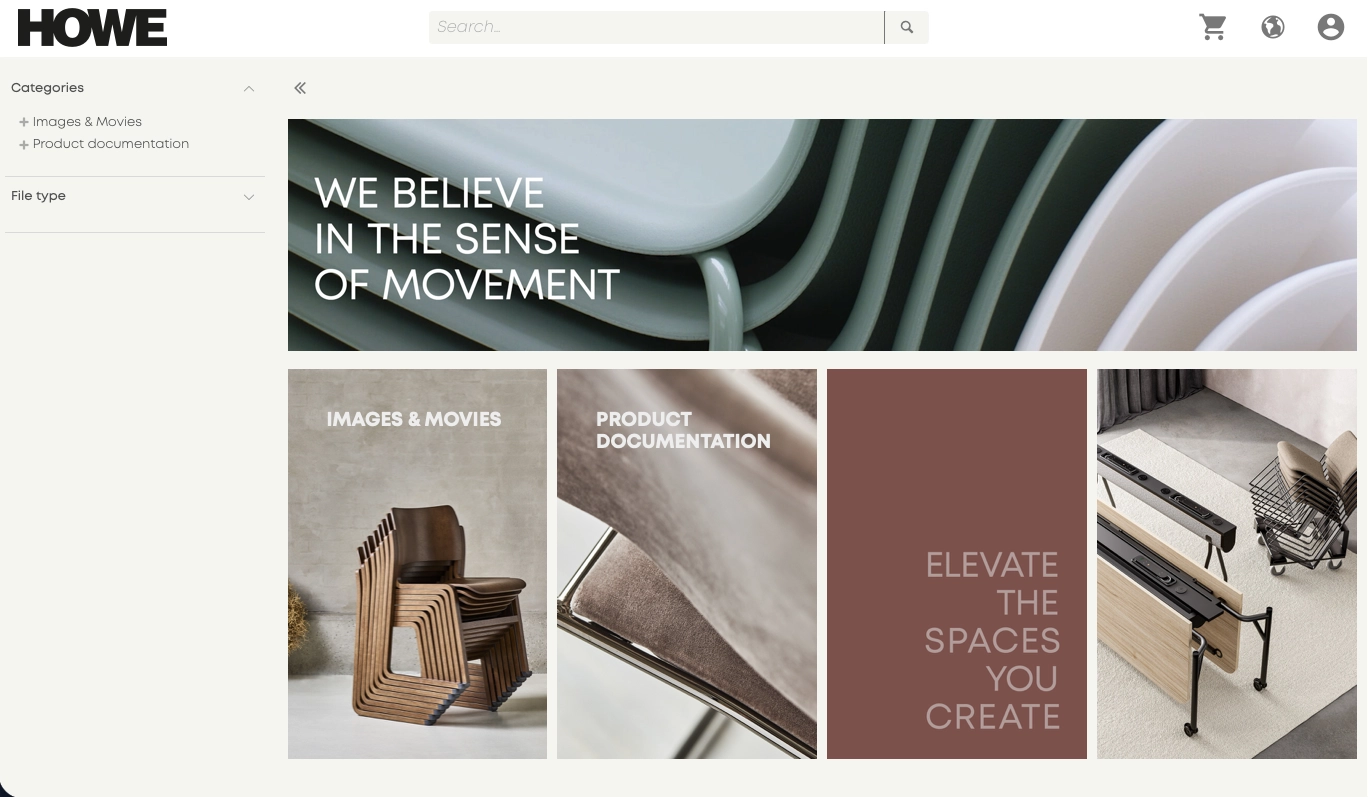
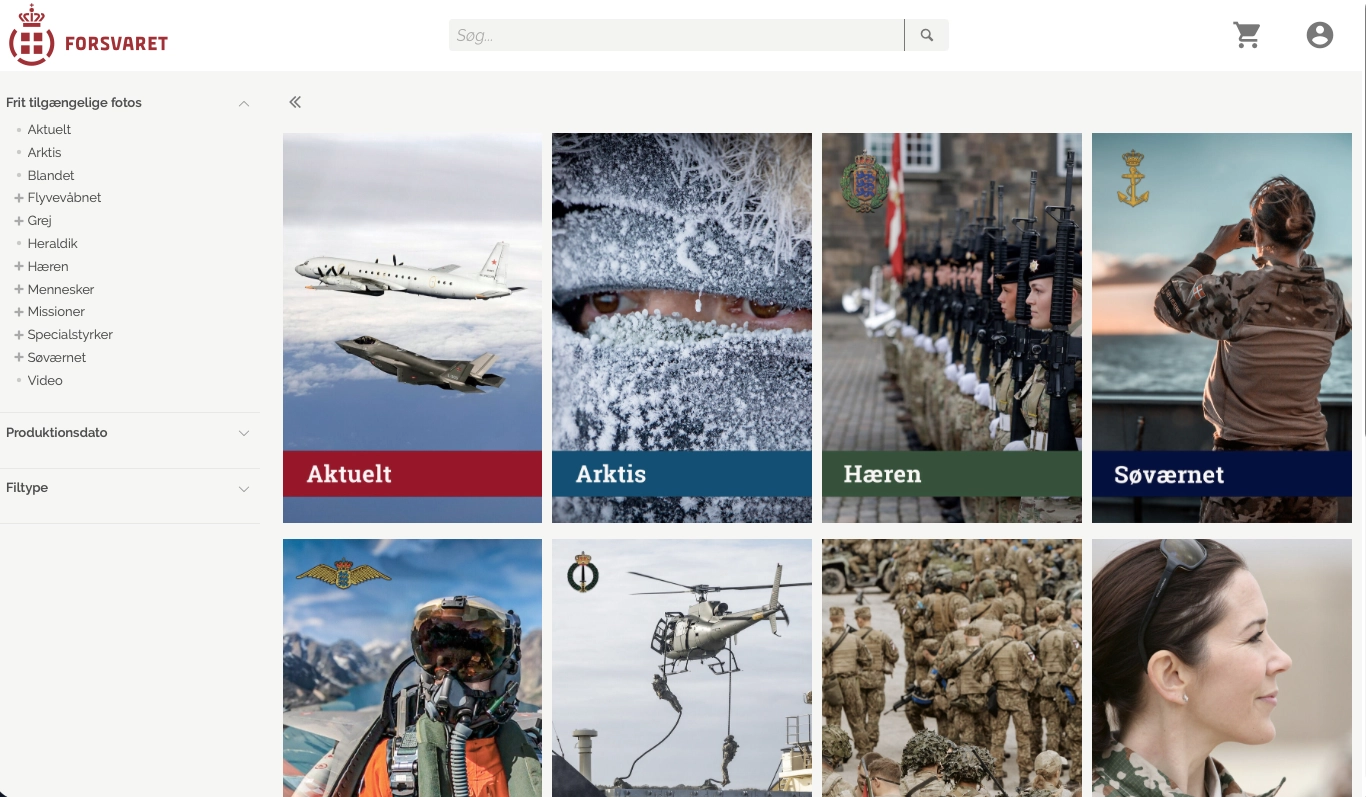
The portal colleagues, the public and external partners meet. AWP gives access to selected parts of the material in Fylr with the search, the views and the look you want — and with control over who may download what.
Features
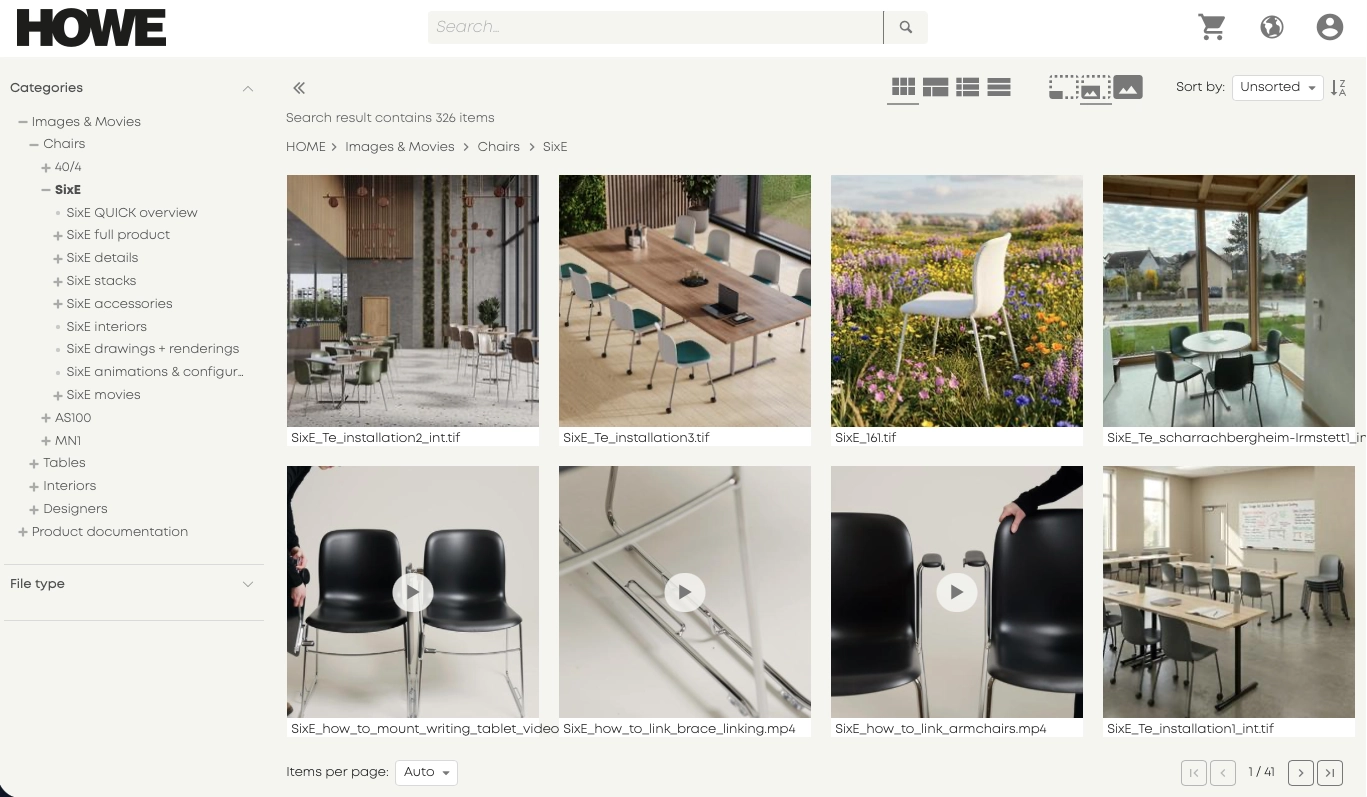
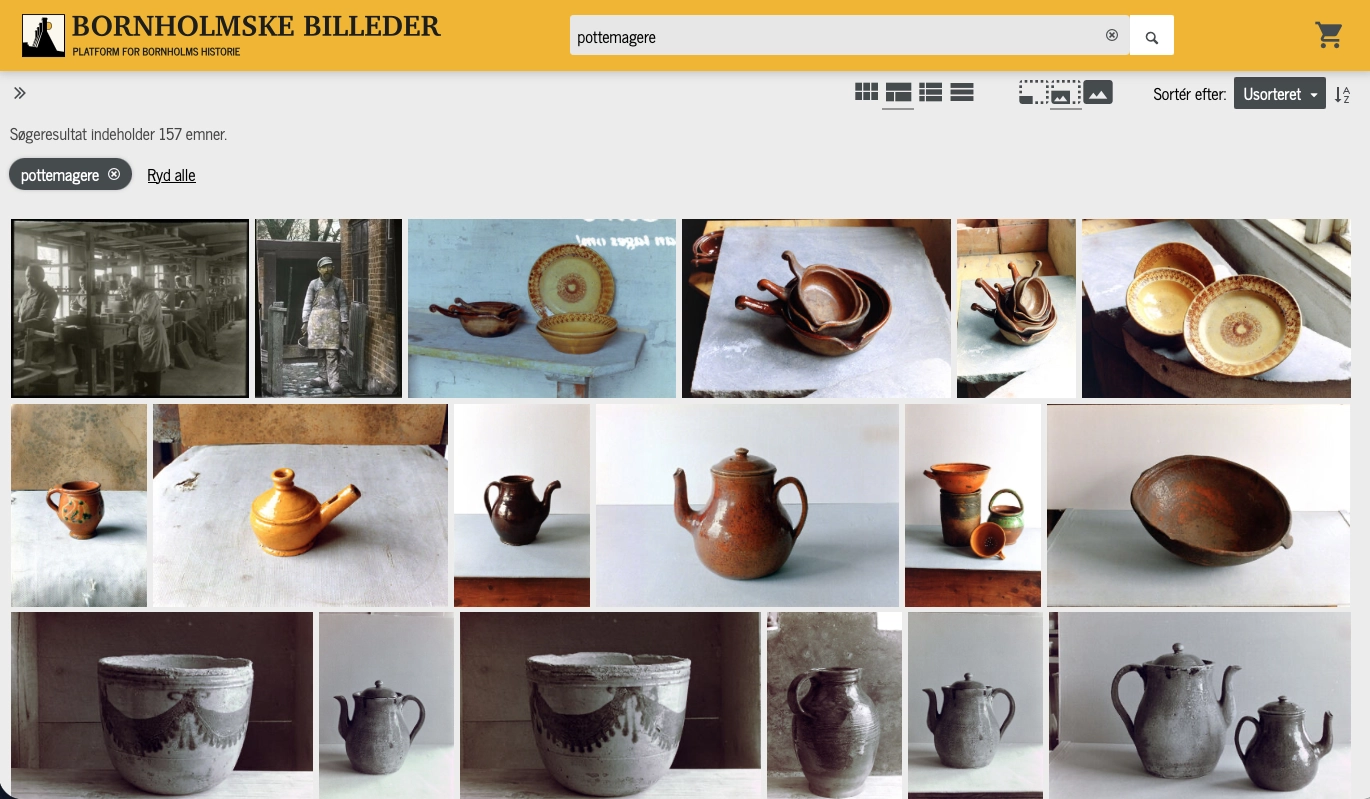
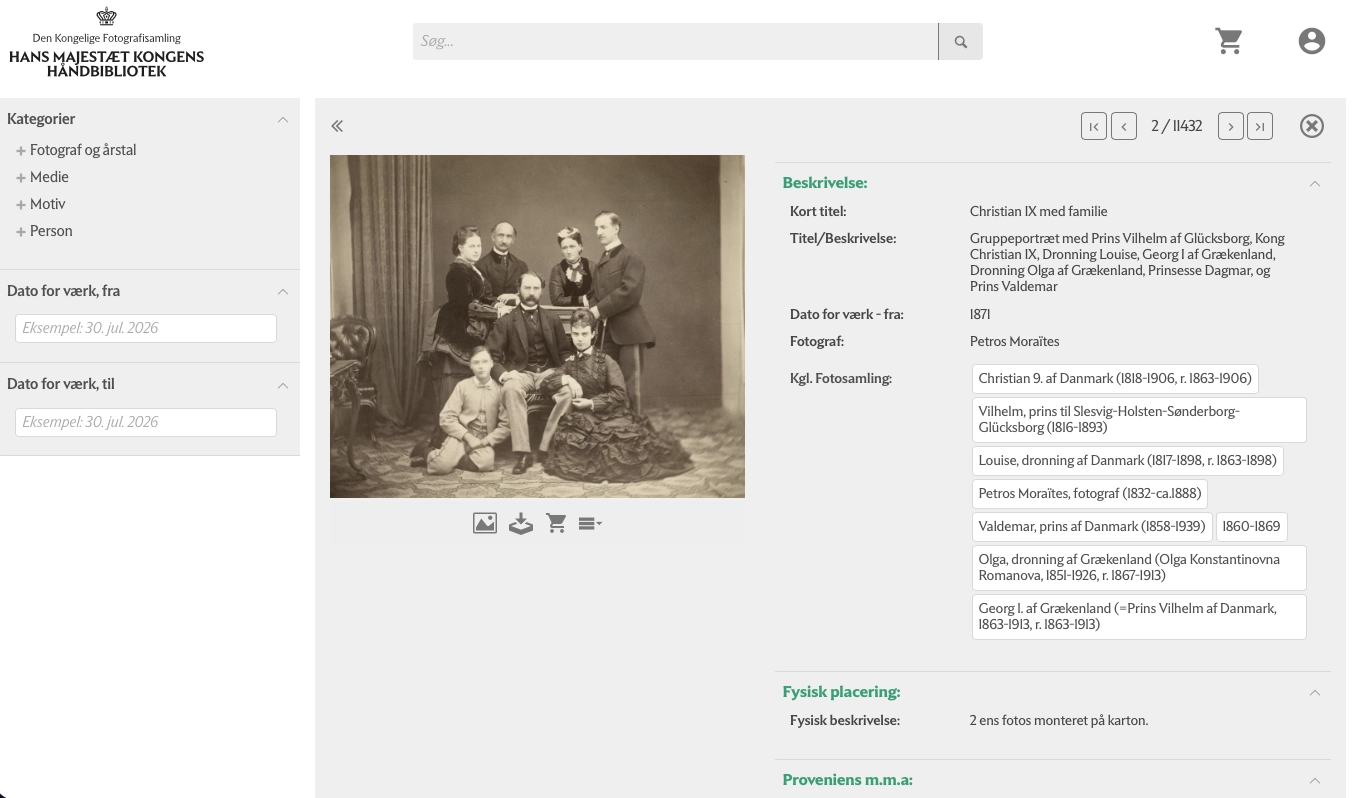
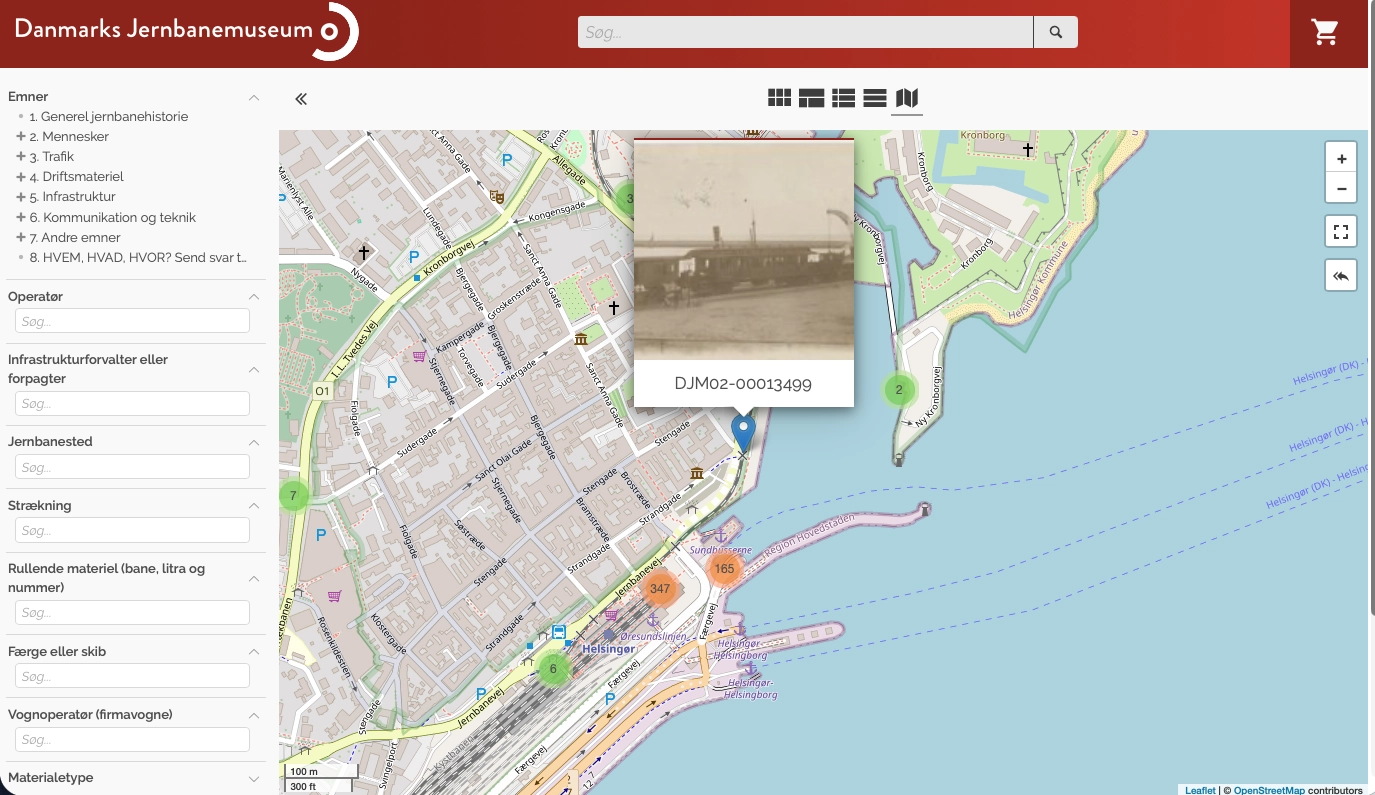
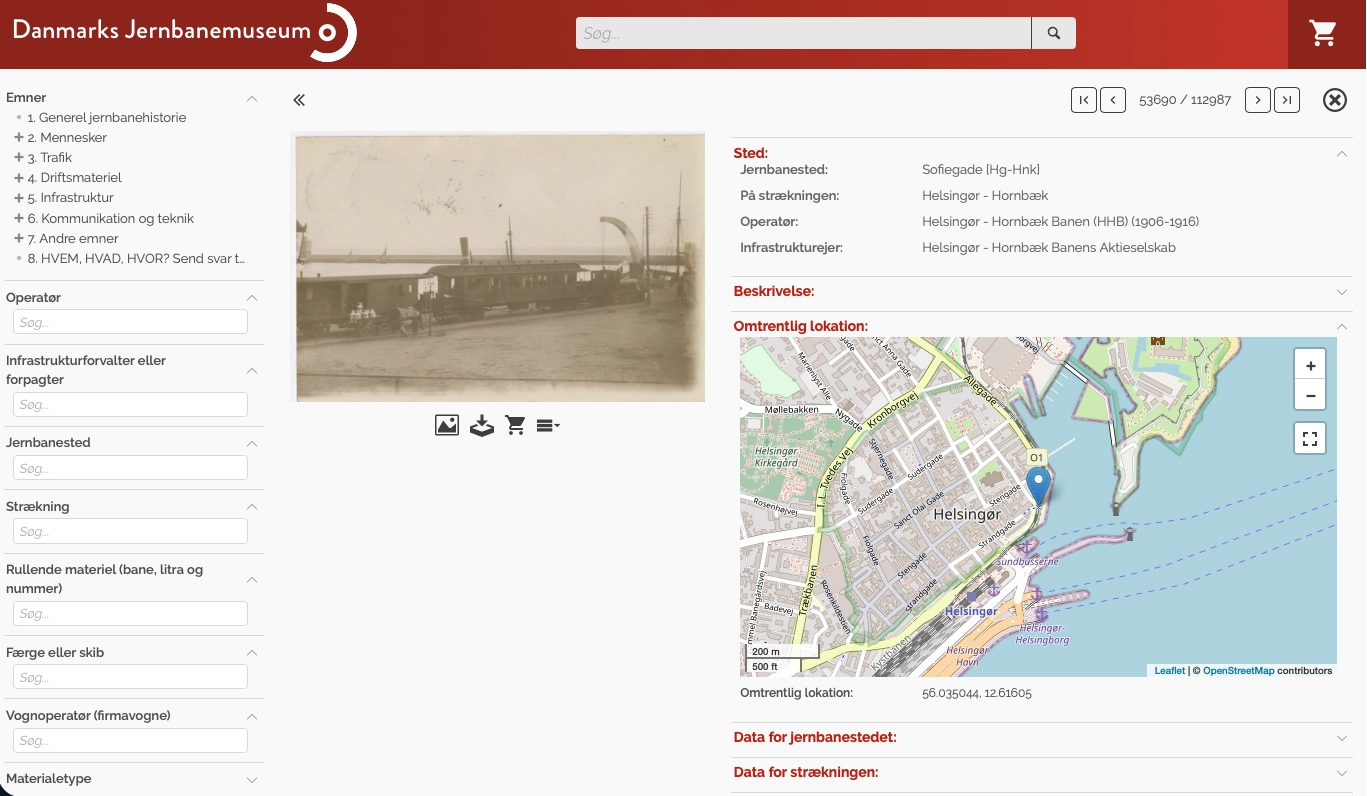
- Views — thumbnails, table, gallery, report, map and info cards
- Search with facets, hierarchies, pools, tags and saved queries
- Sharing and ordering with download control
- User accounts and role-based access
- Multiple languages and a custom front page with background image
- Custom CSS and room for bespoke development
- Integrated with Google Analytics
- Multiple portals from one installation
About the product
Fylr is where the material is administered. AWP is where the rest of the world meets it. It is the portal on a public domain that a citizen, a journalist or a partner can use without being given access to the media bank itself.
Views that suit the material
The same material needs presenting differently depending on what it is. Image collections work best as a gallery or as thumbnails. Data with coordinates makes sense on a map. Lists meant to be read down belong in a table or a report. AWP has the views, and they can be configured differently across the portal.
Search people can actually use
Search can be built with facets, hierarchies, pools and tags, so a visitor can narrow down without knowing what the fields are called. Saved queries make it possible to create fixed entrances to the material people ask for most.
Sharing, ordering and download
Material can be shared with selected recipients, and there is an ordering system for the cases where a download is not just a download — for instance when it has to be recorded who received which image for what purpose. Download control governs which formats and resolutions each person can take.
Access
User accounts and role-based access mean the same portal can have a public part and a closed part. The press sees something different from an ordinary visitor, and a partner sees a third thing.
Look
The portal can be set up with its own front page and background image, multiple languages and custom CSS. Where more than that is needed, there is room for bespoke development. Keyboard navigation is supported, and Google Analytics can be connected if usage needs measuring.
One installation can run several instances — typically used when institutions share an operation but each need their own portal facing outward.
Screenshots
Other products
Shall we take a look at your files?
An informal meeting is usually the fastest way to find out whether a DAM makes sense for you - and what it would take.